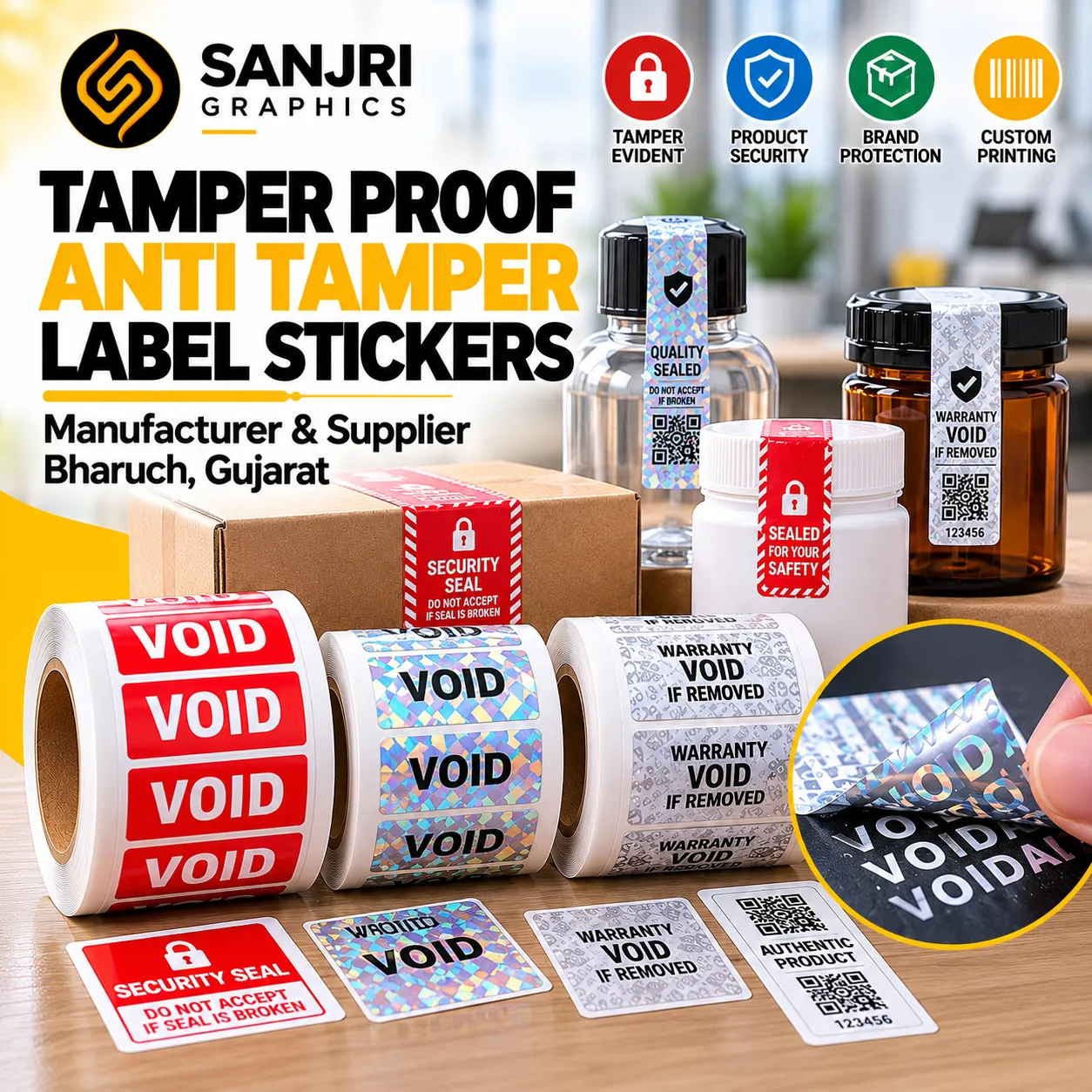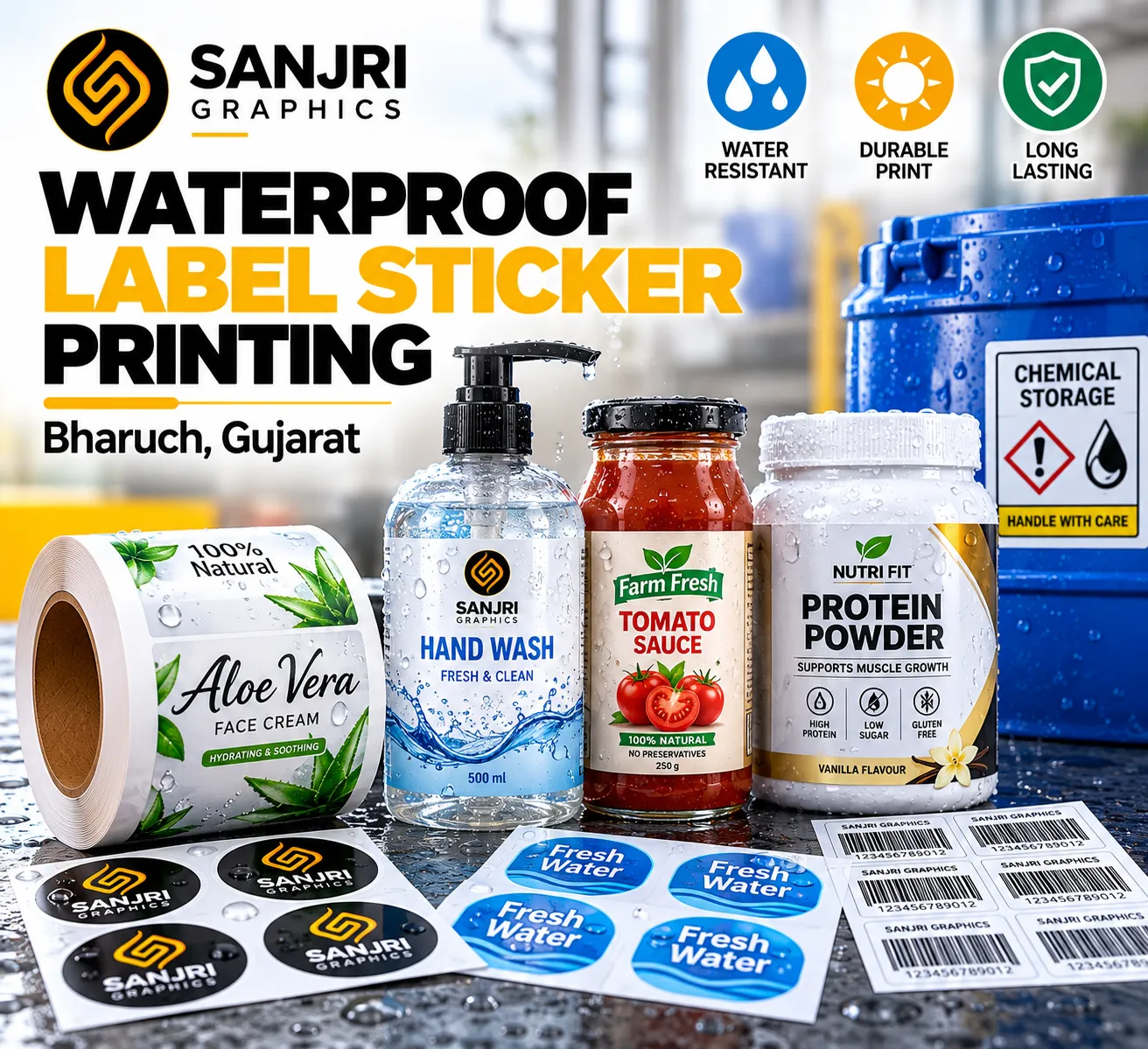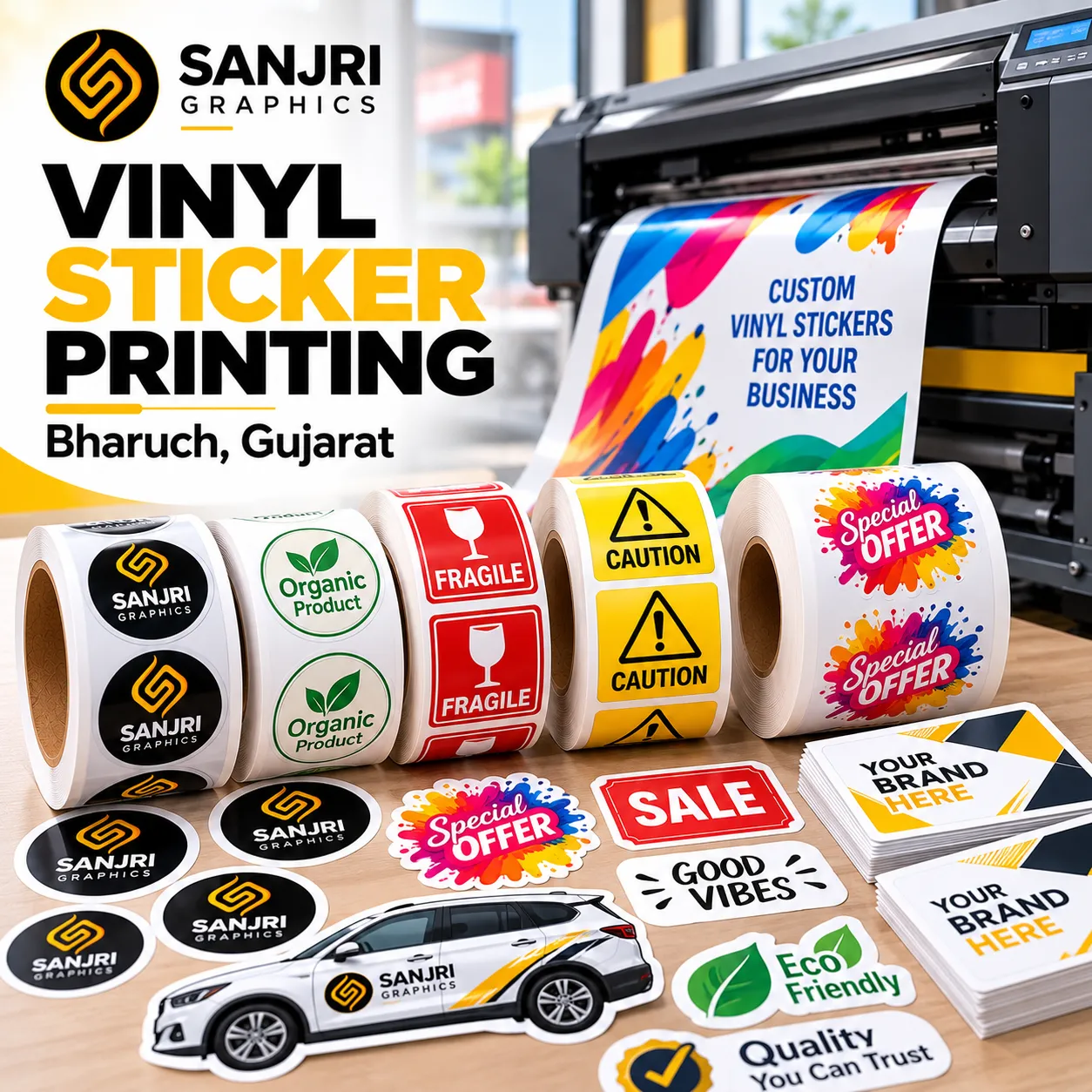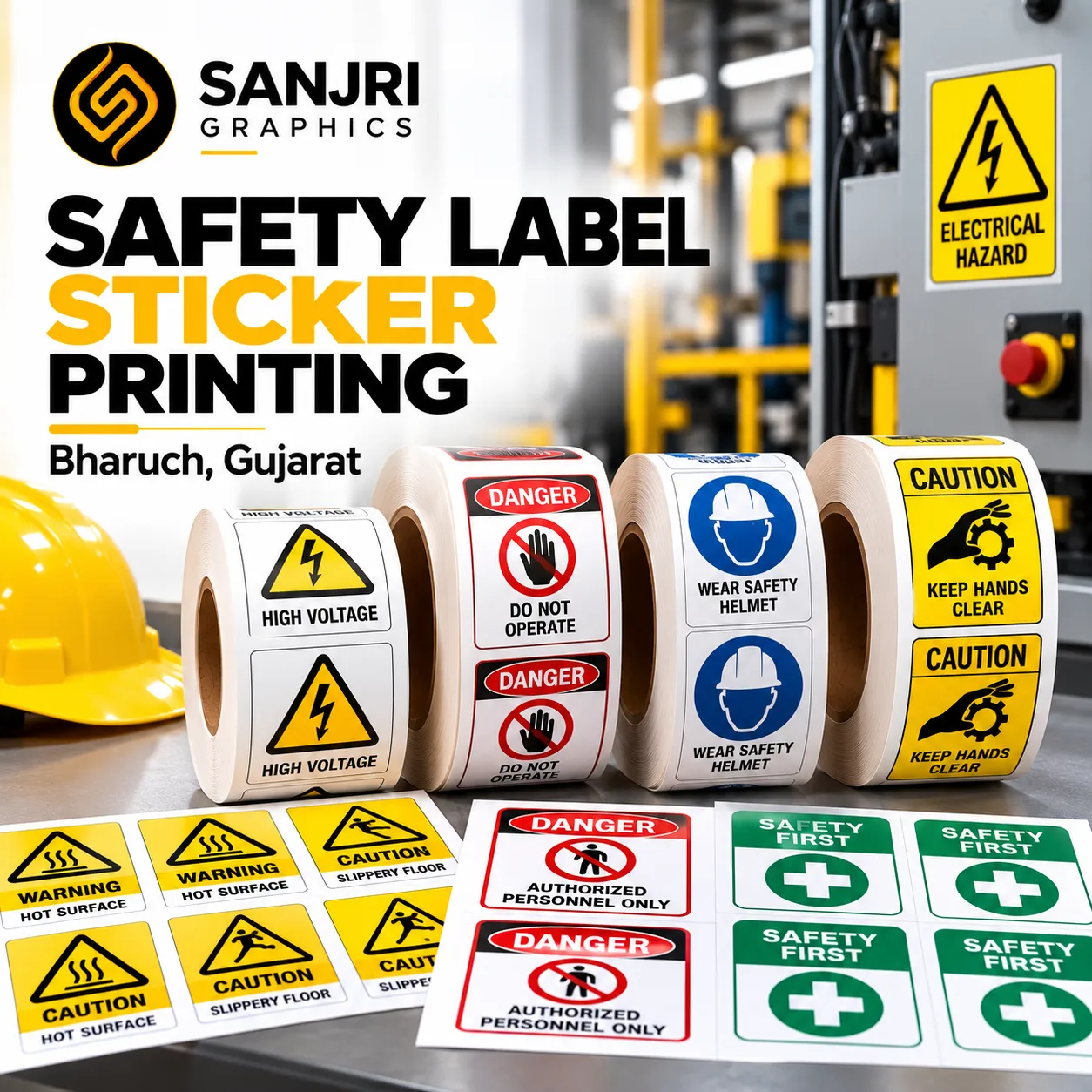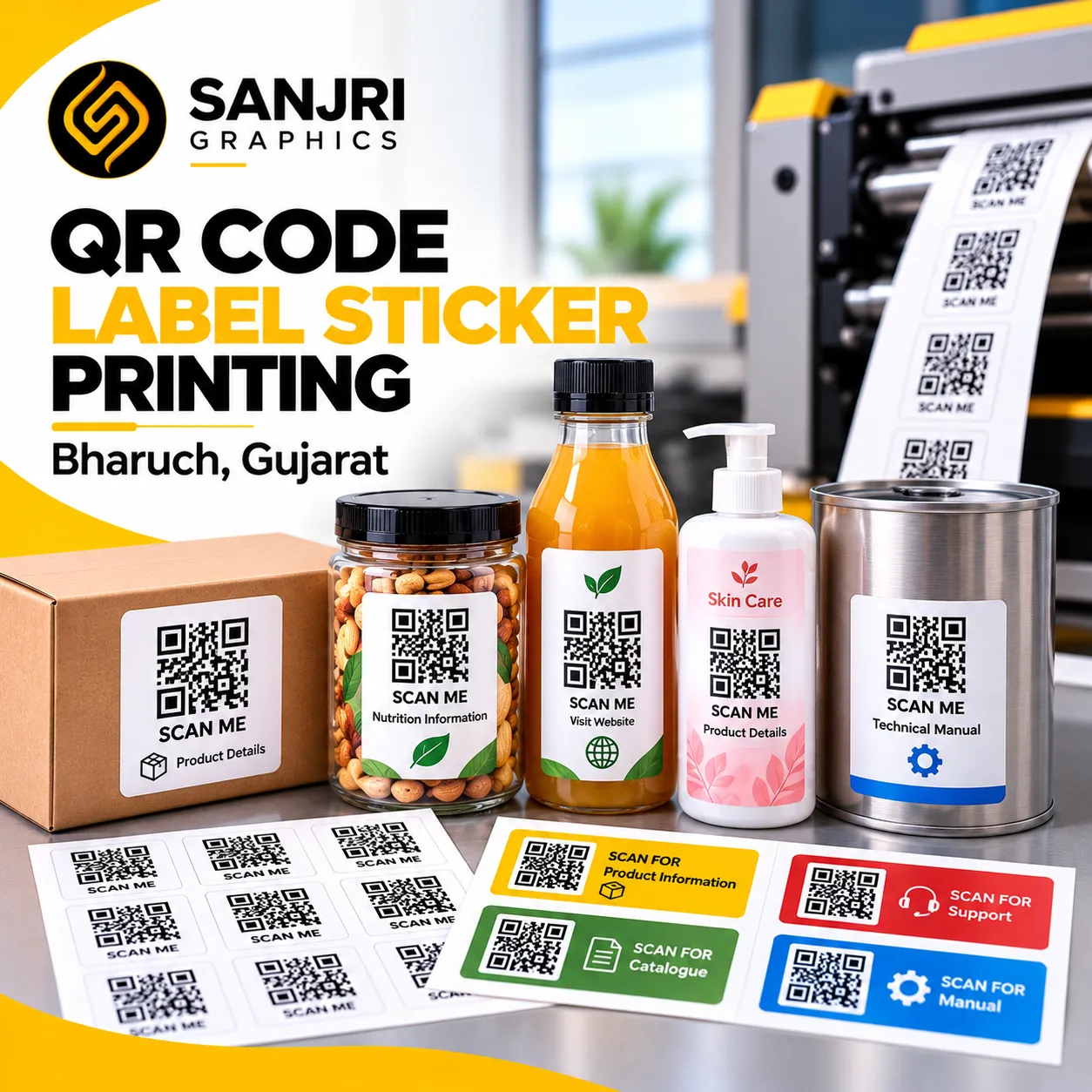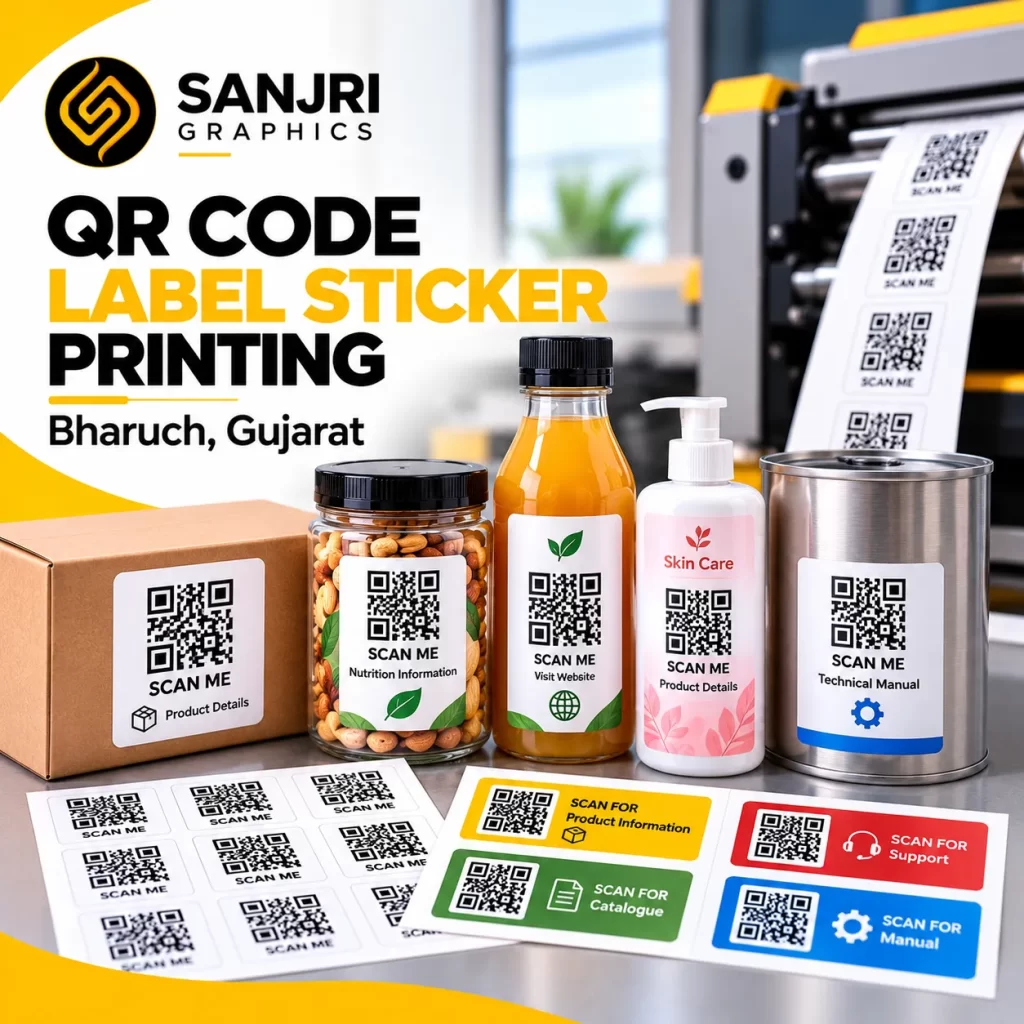
QR codes have become an important tool for businesses that want to connect physical products with digital information. From product packaging and inventory management to product authentication and customer engagement, QR code labels help businesses make information accessible through a simple scan. Sanjri Graphics provides QR code label sticker printing in Bharuch, Gujarat, for businesses looking for customized labels for products, packaging, equipment and commercial applications.
Our QR code label solutions can be customized according to your label size, artwork, surface, application and quantity requirements. Whether you need QR code stickers for product identification, packaging information, website links, digital catalogues or internal tracking, the label design should ensure that the printed code remains clear and scannable.
What Are QR Code Labels?
QR code labels are printed stickers that contain a two-dimensional code that can be scanned using a compatible smartphone or QR code reader. Unlike conventional barcodes that generally encode information in a linear format, QR codes can store different types of information, including website URLs, product references and other supported data.
Businesses use QR code labels to connect customers, staff and supply-chain teams with relevant digital information. A QR code on a product package, for example, may direct customers to a website, product instructions, a digital catalogue or other online resources.
The label can also include a company logo, product name, serial number or other printed details, depending on the available space and the requirements of the application.
Custom QR Code Label Sticker Printing
Every business has different labelling requirements. Sanjri Graphics can help businesses plan custom QR code sticker requirements based on their intended use, label dimensions, design and printing specifications.
1. Product QR Code Labels
Product QR code labels help businesses connect individual products or product ranges with online information. Depending on the encoded destination, a scan can direct customers to product details, usage instructions, support pages or a company website.
These labels can be designed with product names, branding elements and additional printed information where space permits.
2. Packaging QR Code Stickers
QR code stickers can be applied to cartons, boxes, containers, pouches and other packaging formats. They can help customers access digital instructions, product information, promotional pages or online resources without requiring extensive printed text on the packaging.
The label material and adhesive should be selected according to the packaging surface and storage conditions.
3. Inventory and Asset Tracking Labels
Businesses can use QR code labels to identify equipment, storage locations, tools, assets and inventory items. When linked to a suitable internal system, each code can help staff retrieve relevant records or update tracking information.
For reliable use, the QR code must correspond to the correct record in the business’s inventory or asset management system.
4. Industrial QR Code Labels
Industrial QR code labels may be used on machinery, components, equipment and storage areas. Depending on the application, the label may link to maintenance instructions, equipment records, technical documentation or internal identification details.
For industrial environments, it is important to choose an appropriate label material and adhesive based on exposure to moisture, heat, abrasion, chemicals and other operating conditions.
5. QR Code Labels for Retail Businesses
Retailers can use QR code stickers to connect products with online catalogues, product pages, promotions and customer support information. These labels can complement conventional product labels and packaging while providing an additional digital touchpoint.
6. QR Code Labels for Shipping and Warehousing
QR code labels can support internal identification and tracking workflows in warehouses, distribution centres and shipping operations. When integrated with compatible software, they can help staff access item references, location records and other operational information.
For shipping and logistics, the code content, scanning process and label placement should be tested against the actual workflow before large-scale printing.
Applications of QR Code Label Printing
Custom QR code labels can be useful across several industries and business functions.
- Manufacturing: Equipment identification, component references and access to technical documentation.
- Food and beverage: Links to product pages, brand information and other digital resources, subject to applicable labelling requirements.
- Pharmaceutical and healthcare: Internal identification and access to approved product or process information where appropriate.
- Chemical industries: Identification of containers and links to relevant documentation, with material compatibility assessed for the environment.
- Retail and e-commerce: Product information, digital catalogues and customer engagement.
- Warehousing: Inventory identification, storage locations and asset tracking.
- Electronics and engineering: Component references, service information and equipment records.
- Promotional campaigns: QR codes linking customers to websites, landing pages, offers or campaign information.
The appropriate QR code format and label specification depend on the intended application, the information encoded and the conditions in which the label will be used.
Choosing the Right Material for QR Code Stickers
Selecting the correct label material is important for both durability and scanning performance. A code that is damaged, poorly printed or difficult to scan can interrupt the intended workflow.
Paper Labels
Paper labels can be suitable for many indoor applications, product packaging and short-term identification needs. Their suitability depends on the surface, adhesive and exposure conditions.
Synthetic Labels
Synthetic label materials may be appropriate where additional resistance to moisture, handling or wear is required. The specific material should be selected according to the expected environment rather than assuming that every synthetic label has the same properties.
Adhesive Selection
The adhesive should suit the surface on which the label will be applied. Packaging cartons, plastic containers, metal equipment and curved surfaces can require different adhesive characteristics.
Label Finish and Contrast
QR codes need sufficient contrast between the code and its background. Glossy finishes, reflections, small printing dimensions and complex background graphics may affect scanning under some conditions. The final design should be tested on the actual label material.
What Makes a QR Code Label Scannable?
A QR code label must do more than look professional. It must also work reliably with the intended scanning devices.
Consider these factors when preparing artwork for QR code printing:
- Correct code generation: Generate the QR code from the intended destination or data and verify that the encoded information is correct.
- Adequate size: Choose a code size that suits the scanning distance, printing process and available label area.
- Clear contrast: Use a clearly distinguishable code against a simple background.
- Quiet zone: Maintain the required clear margin around the QR code so scanners can identify its boundaries.
- Print quality: Avoid blurred edges, distortion and excessive reduction of the original code artwork.
- Surface suitability: Consider glare, curvature, texture and the expected wear on the final label.
- Destination testing: Scan the printed label and confirm that the code opens the correct information.
For QR codes used in product identification and commercial applications, businesses can review the relevant GS1 standards for barcodes and product identification to understand applicable identification requirements.
Benefits of Custom QR Code Label Stickers
Quick Access to Digital Information
QR code labels can provide a convenient way for customers and employees to access online information using a compatible device.
Flexible Information Updates
When a QR code points to a website or digital page that the business controls, the information on that page can often be updated without changing the printed code. This depends on how the destination is configured. A code that directly encodes fixed information may not offer the same flexibility.
Support for Inventory Processes
When connected to a suitable system, QR code labels can help staff retrieve item records, equipment details and location information more efficiently.
Additional Product Information
Businesses can use QR codes to direct customers to instructions, digital catalogues, support resources or other relevant content, helping keep the physical label concise.
Custom Branding
QR code stickers can be designed to complement a company’s visual identity while retaining sufficient contrast and clear scanning space.
Multiple Label Formats
Depending on the application and production requirements, QR code labels can be planned in different sizes, shapes and layouts for packaging, equipment, products or internal operations.
Our QR Code Label Printing Process
A clear process helps ensure that the finished labels match the business’s requirements.
- Understand the application: Identify where the label will be used, what the QR code needs to do and the conditions it will encounter.
- Confirm the QR code data: Check the destination URL or encoded information before production.
- Select the label specification: Determine the dimensions, material, adhesive and finish according to the application.
- Prepare the artwork: Arrange the QR code and any supporting text or branding while preserving adequate contrast and scanning space.
- Review the proof: Check spelling, code accuracy, layout and label dimensions before approving production.
- Print and inspect: Produce the labels according to the agreed specifications and test representative printed samples for readability.
- Confirm the final requirement: Check quantities, delivery details and any specific packaging or roll-format requirements.
For large orders or critical industrial applications, approving and testing a sample before the complete production run can help reduce avoidable printing issues.
Why Choose Sanjri Graphics for QR Code Label Printing in Bharuch?
Sanjri Graphics serves businesses in Bharuch, Gujarat, with customized printing solutions for different commercial and industrial requirements. QR code label projects benefit from careful attention to artwork, code accuracy, material selection and the intended use of the finished sticker.
Businesses can discuss their requirements for product labels, packaging labels, identification stickers and QR code printing to determine a suitable specification. Sharing the label dimensions, application surface, quantity, artwork and QR code destination helps clarify the project before printing.
Our aim is to provide labels that suit the intended application while maintaining a clear presentation and practical usability.
Order Custom QR Code Label Stickers in Bharuch, Gujarat
Looking for QR code label sticker printing in Bharuch? Contact Sanjri Graphics to discuss your requirements for product packaging, industrial identification, inventory tracking, retail applications or custom business labels.
To help us understand your project, share the intended QR code destination or data, label size, application surface, estimated quantity and any preferred material or finish. These details help determine the appropriate label specification for your application.
Contact Sanjri Graphics to discuss your custom QR code label printing requirements.
Frequently Asked Questions
1. Where can I get QR code label sticker printing in Bharuch, Gujarat?
You can contact Sanjri Graphics in Bharuch, Gujarat, to discuss custom QR code label printing requirements for products, packaging, equipment and business applications.
2. What information can a QR code label contain?
A QR code can encode information such as a website URL, text or other supported data. The exact information depends on how the code is generated and the capacity of the chosen QR code format.
3. Can QR code stickers be printed with a company logo?
A logo or branding element may be incorporated into some QR code designs, but the final code must be tested to confirm reliable scanning. Excessive obstruction of the code can reduce readability.
4. Can QR code labels be used on product packaging?
Yes. QR code labels can be applied to suitable packaging surfaces to link customers to product information, instructions, websites or digital catalogues. Material and adhesive selection should match the packaging and storage conditions.
5. Can QR code labels be used for inventory tracking?
Yes. QR codes can support inventory and asset identification when they are connected to a compatible inventory or asset management process.
6. Are QR code stickers waterproof?
Not all QR code stickers are waterproof. Water resistance depends on the label material, printing method, adhesive and any protective finish. Specify the expected exposure conditions when requesting a quote.
7. What size should a QR code label be?
The suitable size depends on the amount of encoded data, printing quality, scanning distance and available space. Test the printed code at the expected scanning distance before approving the final production.
8. Can QR code labels be printed in custom shapes?
Custom shapes may be possible depending on the label design and production specifications. The QR code itself should retain its required structure and clear margin to support reliable scanning.
9. Can the destination of a printed QR code be changed later?
If the QR code points to a URL that redirects through a system you control, the destination may be changed without reprinting the label. If the code directly encodes a fixed URL or fixed information, changing the destination generally requires a new code unless an appropriate redirect is already in place.
10. What details should I provide when ordering QR code labels?
Provide the QR code data or destination, label dimensions, material preference, application surface, quantity, artwork and expected operating conditions. This information helps establish the appropriate printing specification.